PS2 MX4SIO SD Card Simply Mod kit
FEATURES :
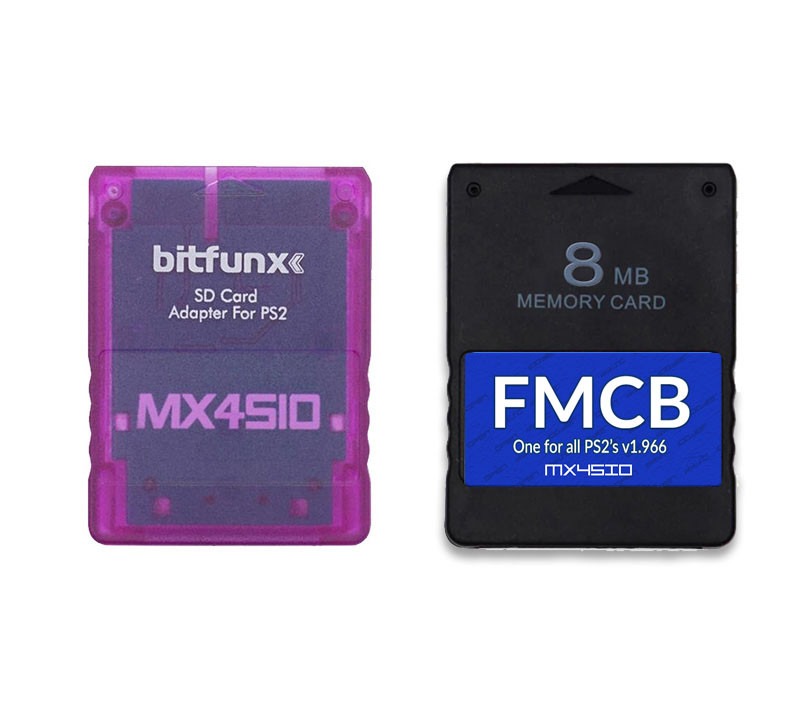
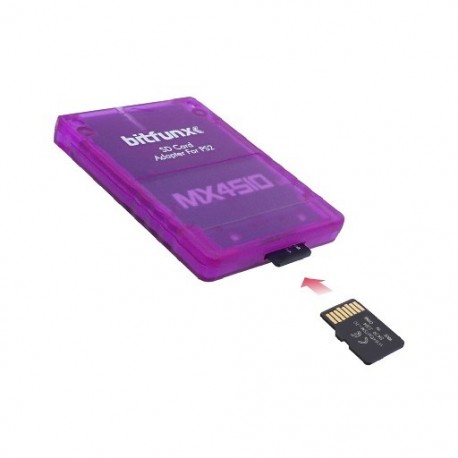
- x1 MX4Sio Micro SD Card
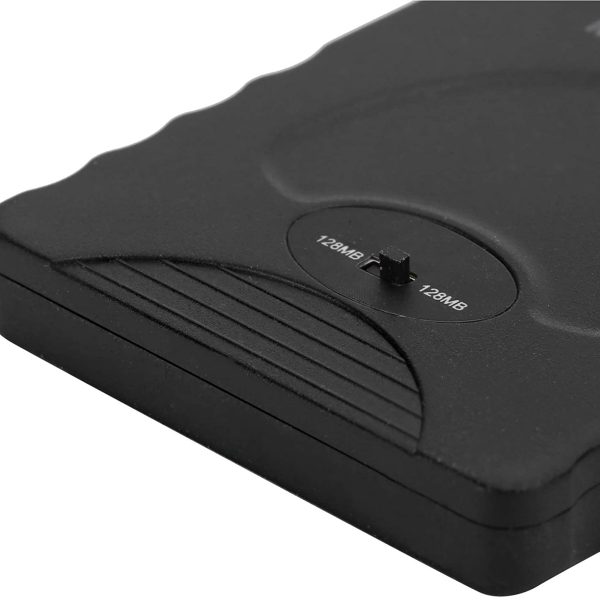
- x1 16 MB FreeMcboot Memory Card
- Modding your PS2 made simple
- Download files the below 🔗
- no sd card provided
- Compatible with both Fat and Slim Model
- Run you back up game isos on a SD Card
- Plug and Play
- Latest and most compatible Hack/ Mod
- No games included
- R.S Review Video is coming
Original price was: £24.99.£18.99Current price is: £18.99.
3 in stock
Guaranteed Safe Checkout
Features & Compatibility
PS2 SD Card Mod Kit – MX4SIO MicroSD Adapter with FreeMcBoot + 32GB SD Card
Upgrade your PlayStation 2 with the MX4SIO SD Card Mod Kit – the latest and most compatible plug-and-play solution for playing backup game ISOs directly from an SD card. This kit simplifies the modding process and includes everything you need to get started—no disc swapping, soldering, or risky hardware mods required.
✅ What’s Included:
- x1 MX4SIO MicroSD Adapter – Custom-built for PS2 memory card slot
- x1 16MB FreeMcBoot Memory Card – Pre-installed with OPL and essential apps
⚙️ Key Features:
- ✅ Latest and most compatible mod for PS2
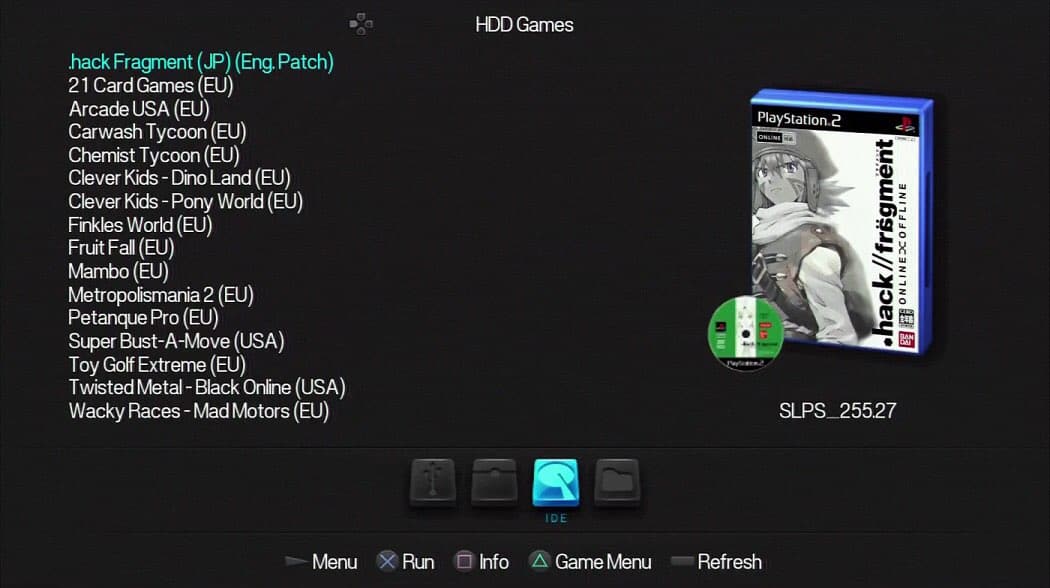
- ✅ Supports game backups – Run ISO files directly from SD card via Open PS2 Loader (OPL)
- ✅ Plug and play – No modchip or disc needed
- ✅ EXFAT OPL support – Enhanced compatibility with large SD cards
- ✅ Compatible with both FAT & Slim PS2 consoles
- ✅ High build quality – Hand-assembled, durable construction
- ✅ Compact and portable – Perfect for on-the-go retro gaming
- ✅ Great gift for PlayStation 2 fans
⚠️ Note: Games are NOT included. This kit enables the running of legally owned backups only.
🔧 Compatibility:
- Supports PS2 FAT models (SCPH-18xxx, SCPH-3xxx, SCPH-5xxxx)
- Supports PS2 Slim models (SCPH-7xxxx, SCPH-9xxxx)
- The included FreeMcBoot card comes with OPL 1.2.0 Turbo Edition for improved TF/SD card compatibility.
⚠️ Some TF/SD cards may not be supported due to hardware differences—even within the same brand. The included 32GB card has been fully tested for stable performance.
📝 Additional Notes:
- The MicroSD slot on the MX4SIO adapter may appear uneven; this is normal due to the hand-crafted nature of each unit.
- If your SD card games disappear after rebooting, simply reinsert the MX4SIO to refresh the list.
- View OPL Settings guide here
- Optional Download for Wide Screen Cheats for a Lot of titles ( place in the CHT Folder)
- Optional CFG Files dowload to view games details on the info section:
- Place CFG_en files into CFG folder
Watch Part 1 PS2 SD Mod Pack
Watch Part 2 guide to Free Mcboot
Watch part 3 Ps1 on Ps2 SD USB Mod Pack
SD Card / Console set up guide and download
- Get your self an sd here is an reccomened one Sandisk 128gb ,
- Format it to exfat 32kb cluster size ,
- Download the zip file below ,
- Unpack and drag all the content from within the file to the root of the SD card
- Place you back up ISO game file ant that is larger then 700mb into the DVD folder
- Place any below 700mb into the CD folder
⬇️Unzip the files open the MX4SIO folder and drag all content on to the root of the SD drive
Once booted up and botth cards plugged in to the console head to OPL
Next head to OPL Main Settings
- BDM Mode – BDM Devices
- USB = on
- ILink = off
- MX4SIO = on
- HDD (GPT/MSR) =off
Default Menu = BDM Games
Save Changes
- You can then create your saved game files onto the SD card
- Highlight your chossen game – press triangle
- Configure VMC
- VMC Slot 1 = 8mb create
Save Changes
IF you are using the Level hike Hdmi adapter from Right Sprite set OPL to Video mode NTSC 704x480i.
This is because this adapter does not support the Porgressive Higher resoltion Mode
using this cable PlayStation 1 / 2 / 3 RGB SCART Cable – High Quality Video on Sync
and this GBSC Pro Video Converter will give you the support to do so along with an 720p and 1080i dashboard comaptibility
Additional information
Customer Reviews
2 reviews for PS2 MX4SIO SD Card Simply Mod kit
You must be logged in to post a review.
jappsnjay –
Finally a simple plug it in and play , works on my 5000 and my slim 7000 model like a charm.
Do Recommend this , but get your self a nice bigger sandisk sd and transfer the files over from this sd over to this.
Jaden Barter (verified owner) –
Came within 2 weeks of ordering, with great packaging. Everything works great and I’m very satisfied do not listen to any bad reviews about this shop 🙏🏼
Jason Morgan (store manager) –
Thanks for your review it is much appreciated, it would have come earlyier but we were on holiday , Hope to catch you here again . All the best